Cancel your subscription
Step-by-step instructions for cancelling on iOS and Android.
LatinFlare has two paid subscription tiers — Premium and VIP — that unlock additional features beyond the free experience.
| Feature | Free | Premium |
|---|---|---|
| Browse profiles | ✓ | ✓ |
| Like profiles | ✓ | ✓ |
| Send messages to matches | ✓ | ✓ |
| See who liked you | ✓ | ✓ |
| See who viewed your profile | — | ✓ |
| Send unlimited messages | — | ✓ |
| Advanced filters | — | ✓ |
| Incognito mode | — | ✓ |
Premium is available on monthly or annual plans. Annual plans offer a significant saving compared to paying month by month.
Open the subscription screen
Tap any locked Premium feature, or go to your profile and tap Manage Subscriptions & Credits.
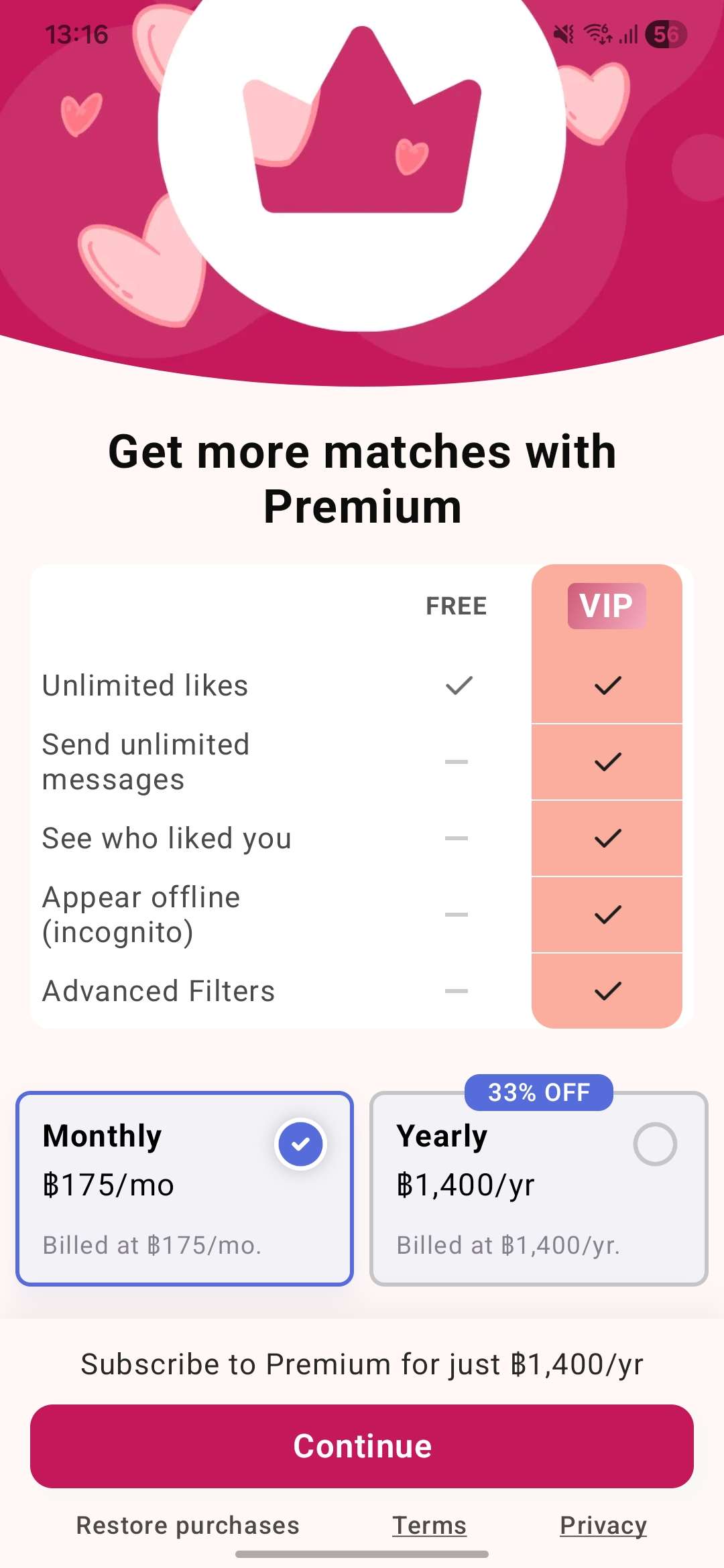
Choose a plan
Choose your billing period.
Confirm your purchase
Complete the purchase through the App Store or Google Play. Your subscription activates immediately.
Subscriptions are managed through the App Store (iOS) or Google Play (Android).
Cancel your subscription
Step-by-step instructions for cancelling on iOS and Android.