Choosing the right preferences
How to set filters that find the right people.
LatinFlare shows you profiles one at a time. You decide who you’re interested in, and when two people both like each other, it’s a match.
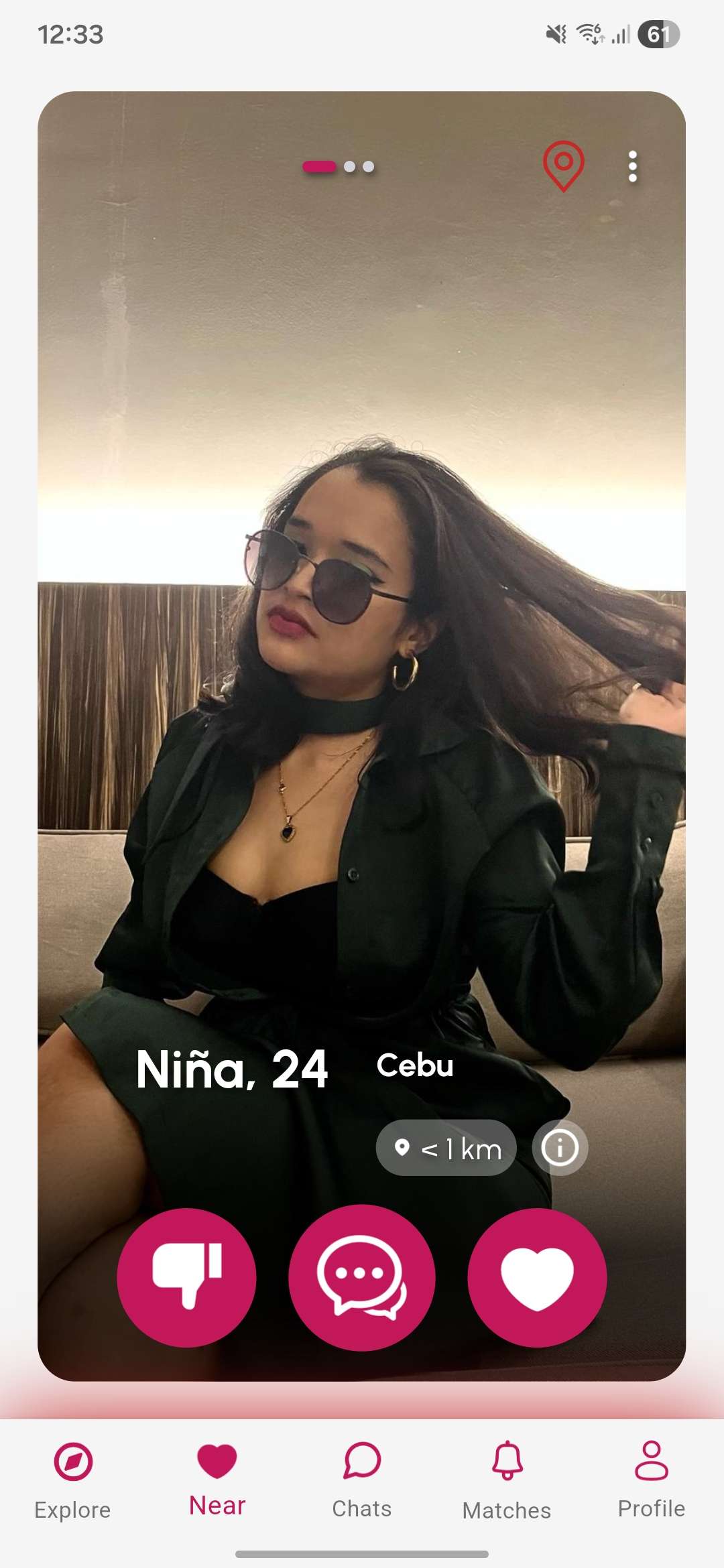
You’ll see profile cards in your discover feed. For each person, you have a few options:
| Action | How to do it | What it does |
|---|---|---|
| Like | Swipe right or tap ❤️ | Tells them you’re interested |
| Dislike | Swipe left or tap ✕ | Passes on this profile |
| Super Like | Tap the ⭐ button | Sends a special like that stands out |
| Super Message | Tap the 💬 button | Sends a highlighted message before matching |
If someone you liked also likes you back, you’ll both get a match notification and a celebratory screen showing your profiles together.
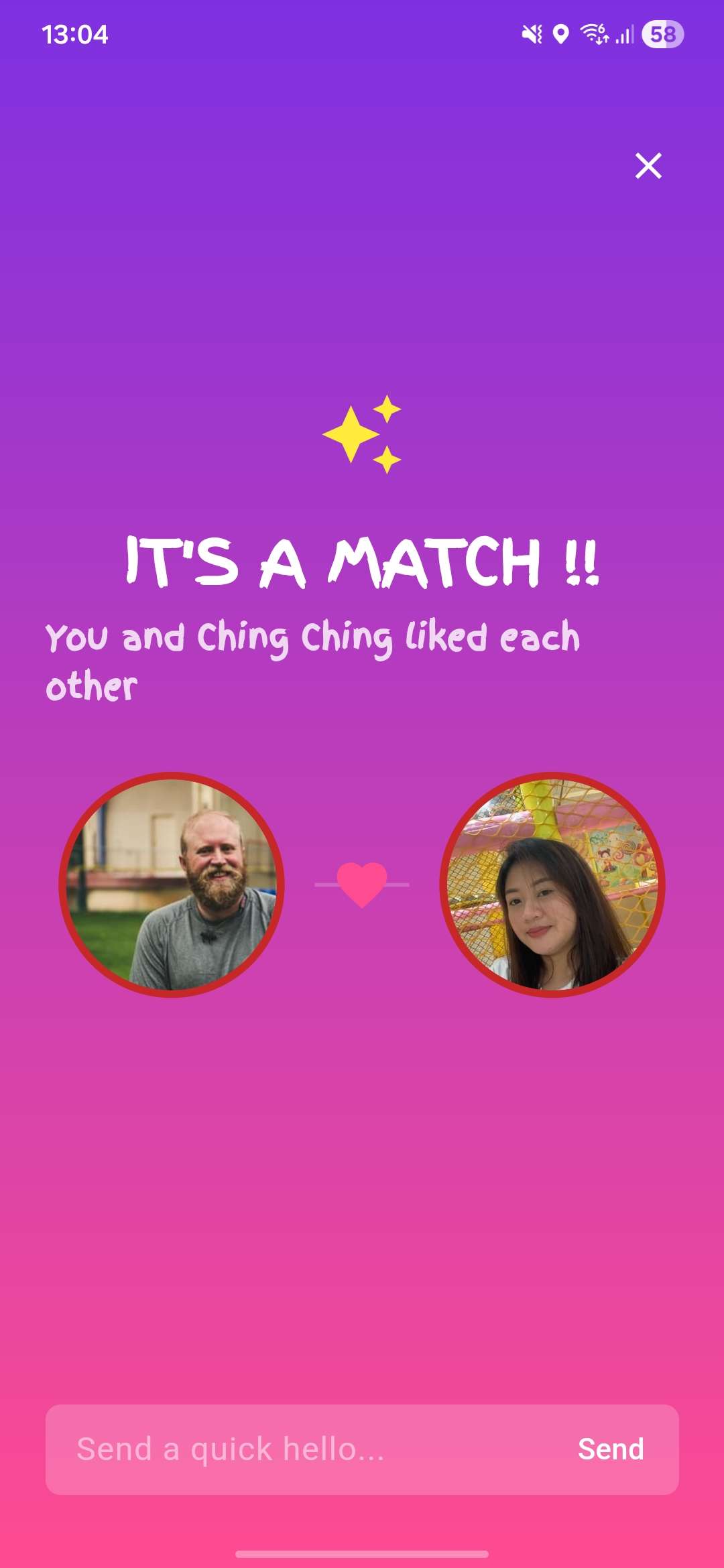
From the match screen you can send your first message straight away.
A Super Like lets someone know you’re especially interested — their profile will show that you super liked them. Super Likes use credits.
The profiles shown to you are based on your preference settings — age range, distance, and who you’re interested in. Updating your preferences changes who appears in your feed.
Choosing the right preferences
How to set filters that find the right people.
Once you’ve liked or disliked someone, they won’t appear in your feed again. If you change your mind about someone you’ve disliked, this can be reversed with certain subscription tiers.