Notification Settings
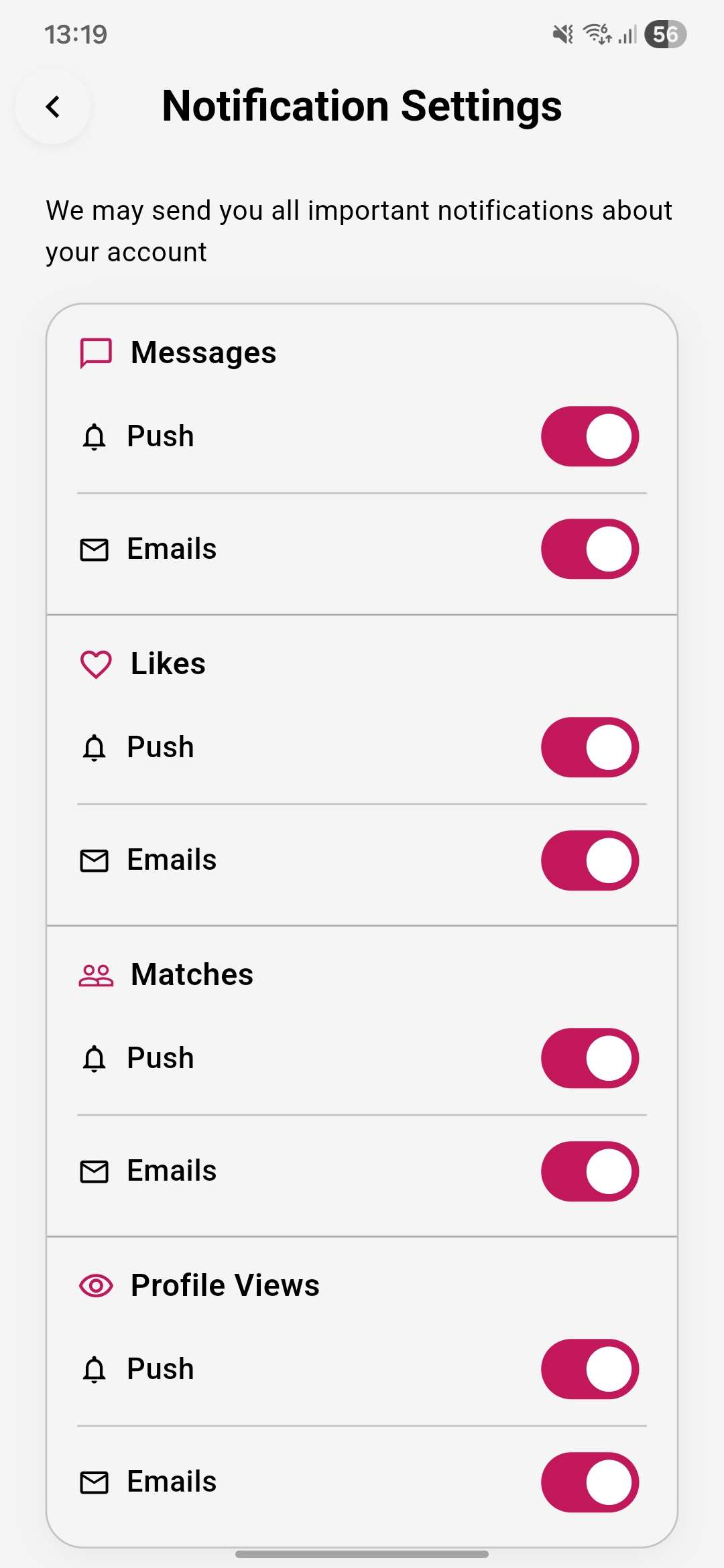
You can control which notifications LatinFlare sends you — both push notifications on your device and email notifications.
What you can control
Section titled “What you can control”| Notification | Push | |
|---|---|---|
| New messages | ✓ | ✓ |
| New likes | ✓ | ✓ |
| New matches | ✓ | ✓ |
| Profile views | ✓ | ✓ |
How to update your notification settings
Section titled “How to update your notification settings”-
Open Settings
Tap your Profile icon, then go to Notifications Preferences.
-
Toggle notifications on or off
Use the toggles next to each notification type to turn push and email notifications on or off independently.
Enabling push notifications
Section titled “Enabling push notifications”If you’ve disabled push notifications for LatinFlare at the device level, a banner will appear at the top of the notifications settings screen. Tap Enable Push Notifications to be taken to your device settings where you can turn them back on.
.jpg)