Blocking People
Blocking a user removes them from your experience entirely. They won’t be able to see your profile, message you, or appear in your matches or discover feed.
How to block someone
Section titled “How to block someone”You can block a user from their profile or from a chat conversation.
From a profile
Section titled “From a profile”-
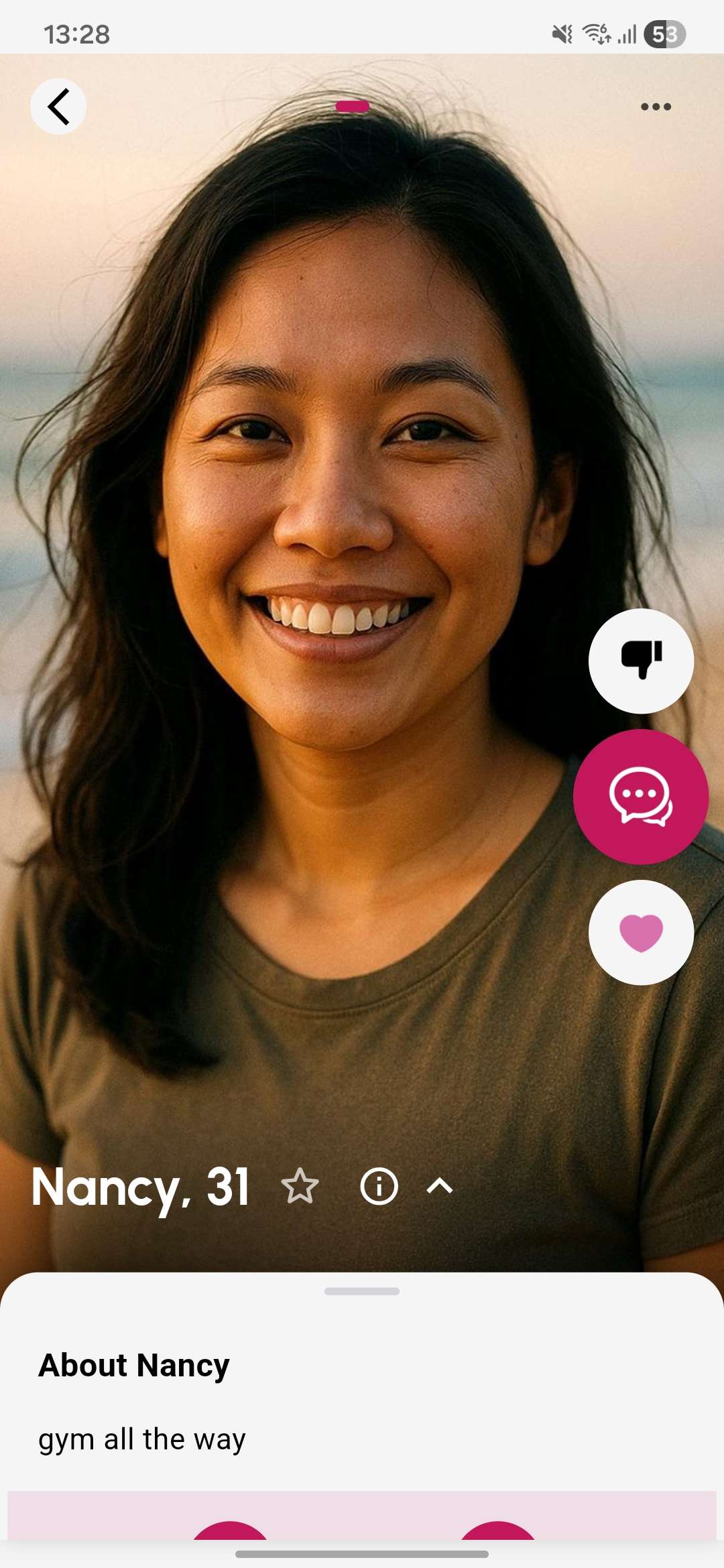
Open the user’s profile
Tap on the user’s profile card to open their full profile.
-
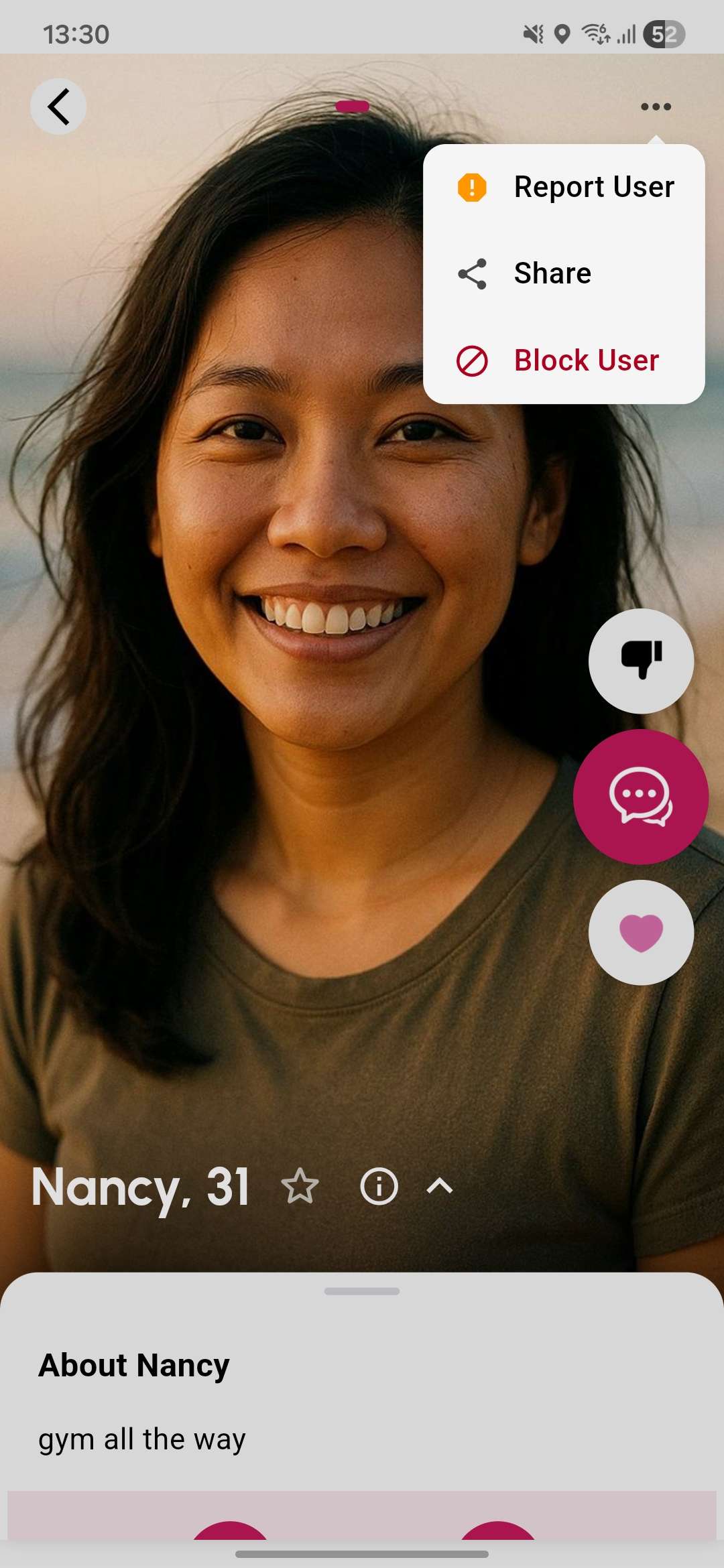
Open the actions menu
Tap the menu icon (⋮) in the top-right corner of the profile.
-
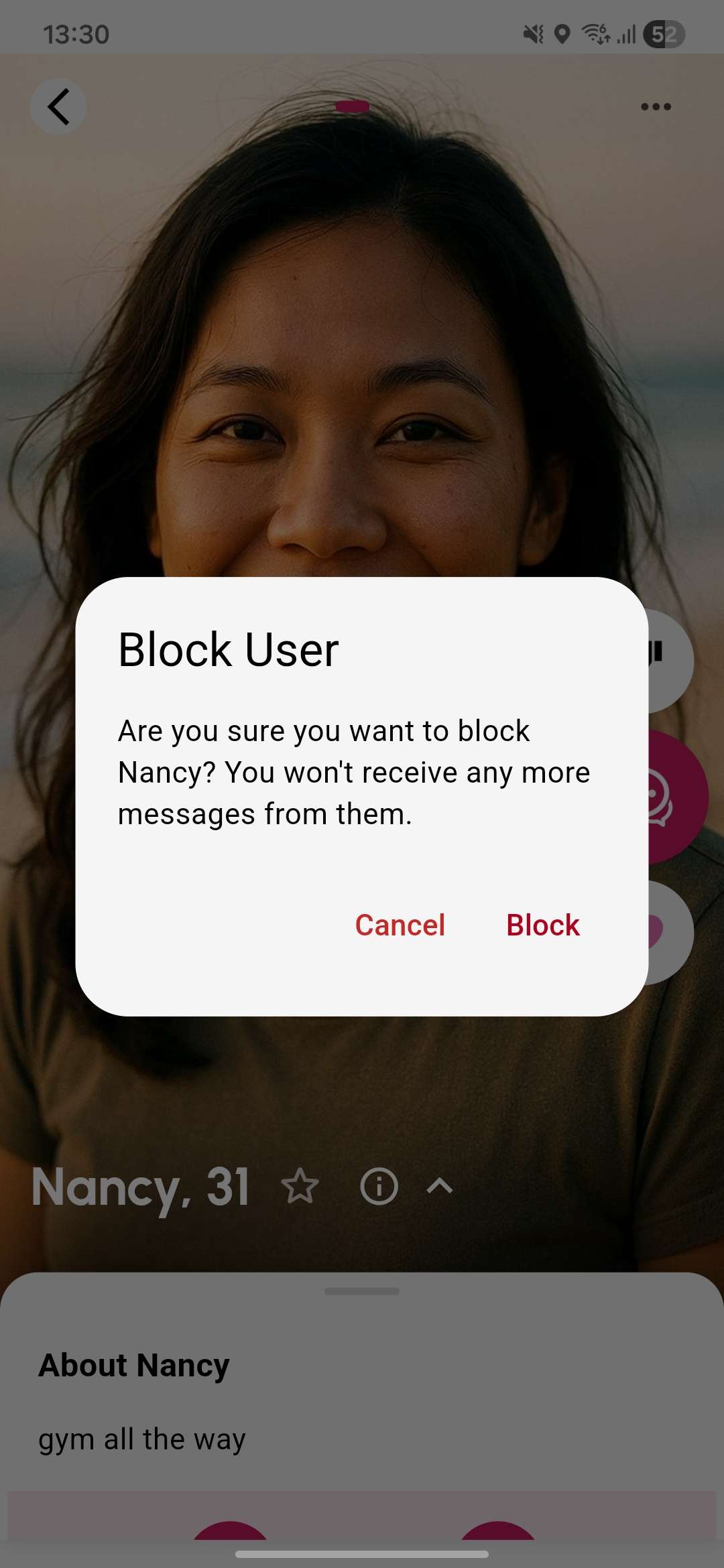
Tap Block User
Select Block User from the menu and confirm the action.
From a chat
Section titled “From a chat”-
Open the conversation
Navigate to your messages and open the chat with the user you want to block.
-
Tap the user’s name or the menu icon
Tap the user’s name in the chat header or the menu icon (⋮) to open options.
.jpg)
-
Tap Block User
Select Block User and confirm.
What happens when you block someone
Section titled “What happens when you block someone”- The user is immediately removed from your matches, messages, discover feed, and all other lists
- Any existing conversation with them is deleted
- They will not be notified that they have been blocked
- You will not appear in their discover feed or matches either
Viewing your blocked users
Section titled “Viewing your blocked users”You can see a list of everyone you’ve blocked under Settings → Blocked Users.

How to unblock someone
Section titled “How to unblock someone”-
Go to Blocked Users
Open Settings → Blocked Users to see your blocked list.
-
Tap Unblock
Find the user and tap Unblock. They will become visible to you again and can appear in your discover feed.
