What's included in Premium and VIP
See everything included in each subscription tier.
Incognito mode lets you use LatinFlare without showing as active or online to other users. It’s useful when you want to browse privately.
When incognito mode is on:
Tap the incognito toggle on your home screen to switch it on or off.
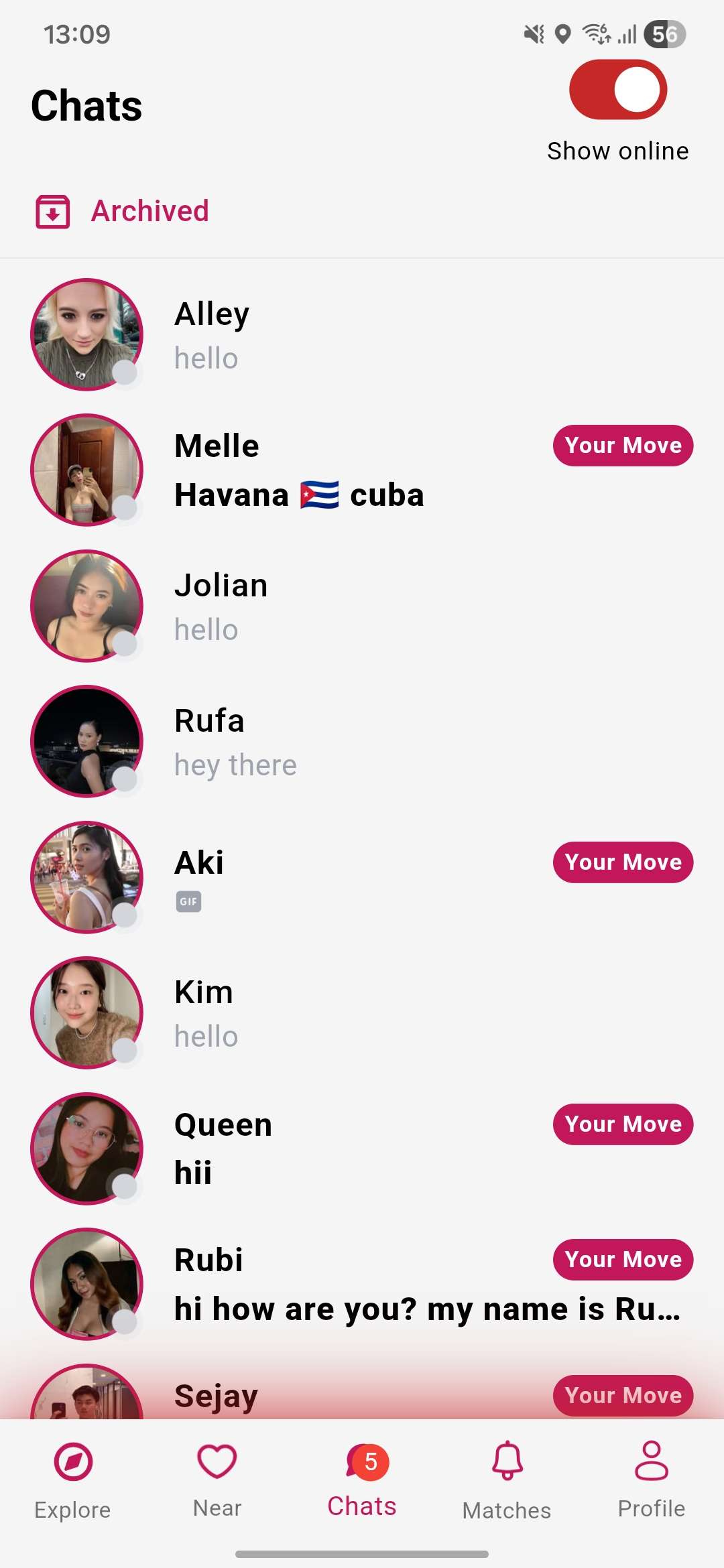
When active, the icon will change to indicate you’re browsing privately.
Incognito mode is available to Premium and VIP subscribers. If you’re not subscribed, tapping the toggle will show you the subscription options.
What's included in Premium and VIP
See everything included in each subscription tier.